How to Build a Multi-Platform Content Workflow
A practical system for planning, preparing, scheduling and tracking content across multiple platforms.
Start With One Content System
The biggest mistake in multi-platform publishing is treating every platform as an isolated silo. If you plan your TikToks in one document, your YouTube videos in another, and your Instagram posts in a third, you are multiplying your administrative workload. The foundation of a successful multi-platform workflow is a single source of truth.
Whether it is a custom dashboard, a Notion database, or a simple spreadsheet, every piece of content must begin its life in one central hub. This hub tracks the idea, the script, the raw assets, and the final renders. It is the command center from which everything else flows.
Separate Creation From Publishing
Content creation and content publishing are two entirely different mindsets. When you mix them—editing a video and immediately navigating to TikTok to post it—you lose momentum. You must decouple these phases.
Batching is essential. Dedicate specific days purely to scripting, others to filming, and others to editing. Only when the assets are completely finalized and approved do they move to the publishing phase. This assembly-line approach drastically reduces context switching and increases output quality.
Adapt Content for Each Platform
While the core message might be the same, the packaging must respect the platform. A 16:9 long-form YouTube video cannot simply be squeezed onto TikTok. The workflow must include a defined 'adaptation' step.
During this step, the core asset is clipped, resized, and reformatted. Subtitles are adjusted to ensure they don't hide behind platform-specific UI elements (like the TikTok right-side buttons). Captions are written specifically for the platform—hashtags for Instagram, SEO-heavy descriptions for YouTube, and short, punchy hooks for TikTok.
Build a Publishing Queue
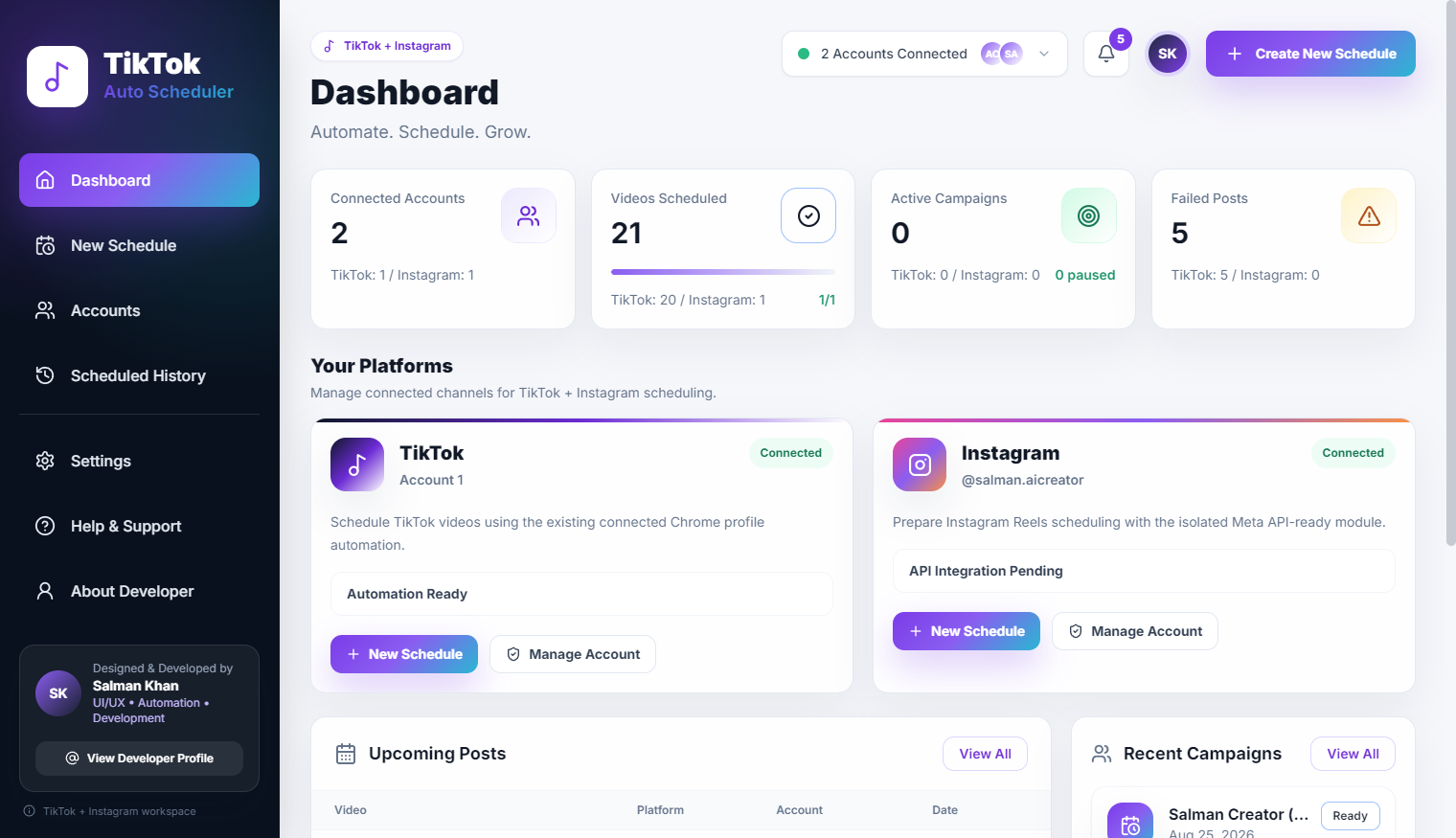
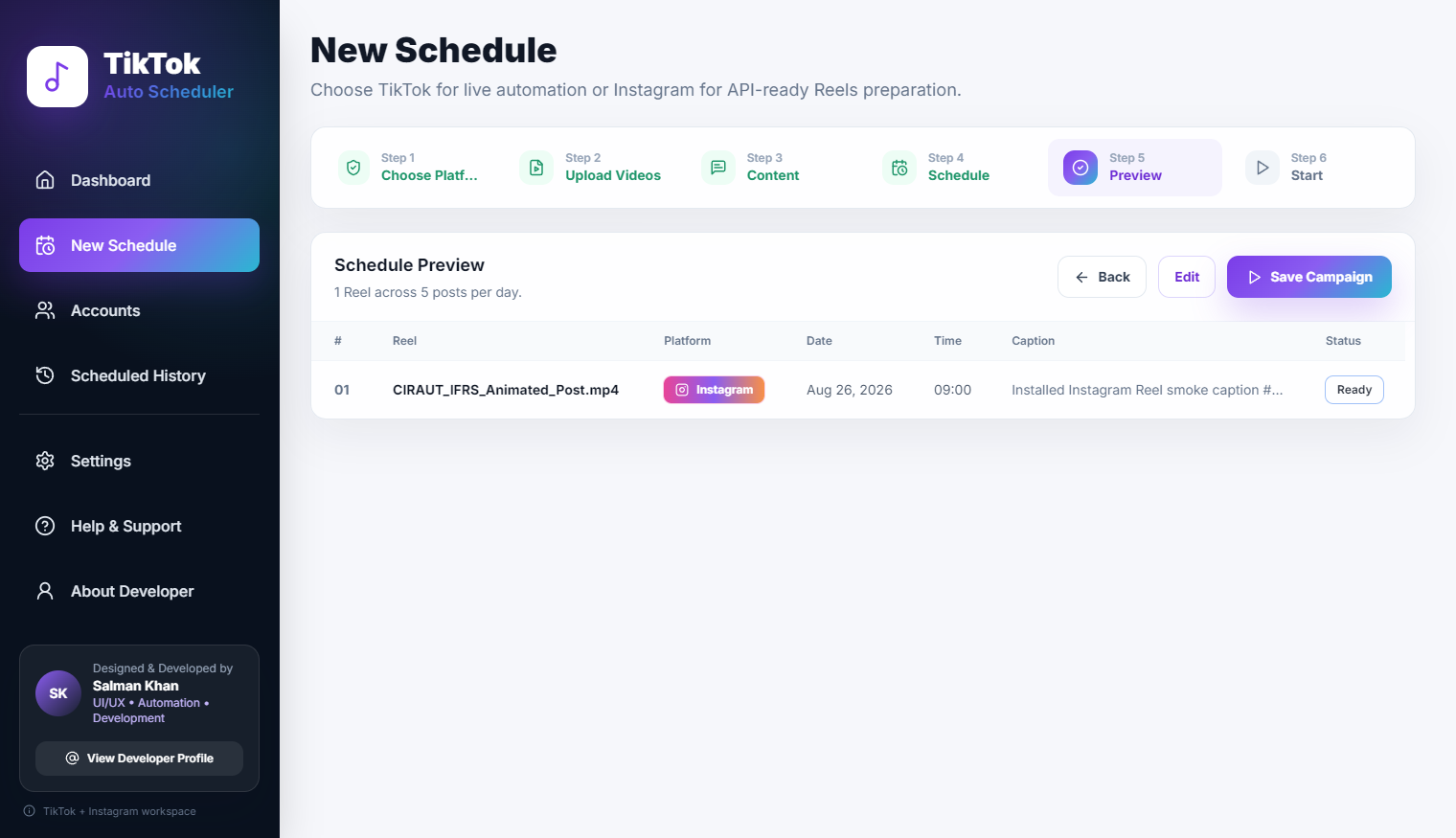
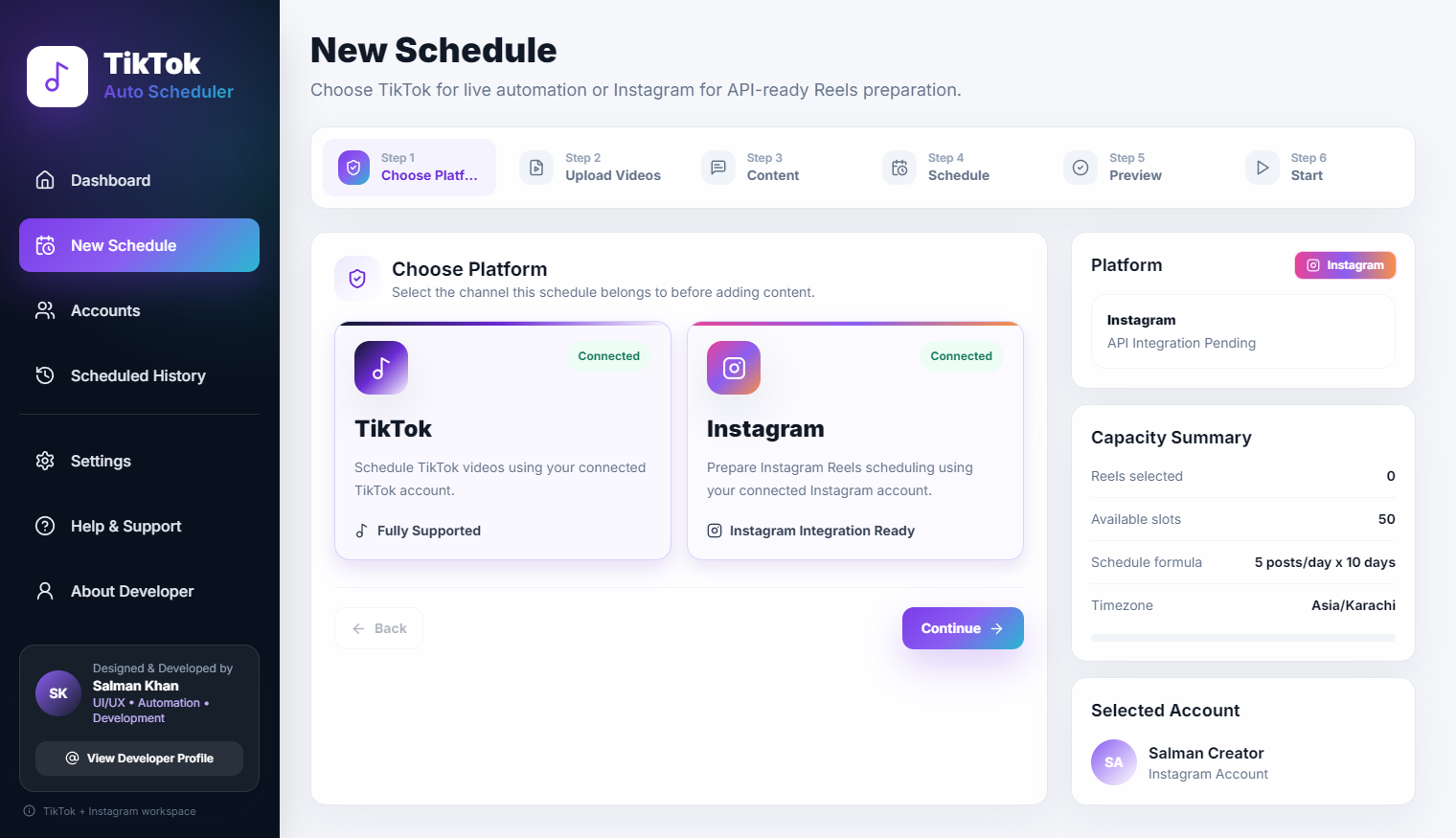
Once the assets are adapted, they enter the publishing queue. This is where automation takes over. Instead of manually uploading each variation to its respective platform, the content is loaded into a scheduling tool that handles the distribution.
A good queue system allows you to review a visual calendar of the week ahead. You can drag and drop posts to balance the content mix, ensuring you aren't posting three promotional videos in a row on the same platform.
Use Automation for Repetitive Steps
The physical act of uploading, setting thumbnails, pasting descriptions, and hitting publish is low-value work. This is exactly where desktop automation tools excel. By automating these final steps, you eliminate human error—such as forgetting to add a tracking link or accidentally publishing a draft prematurely.
THE CORE WORKFLOW LOOP
Plan → Create → Prepare → Queue → Publish → Verify → Analyze
Track Success and Failures
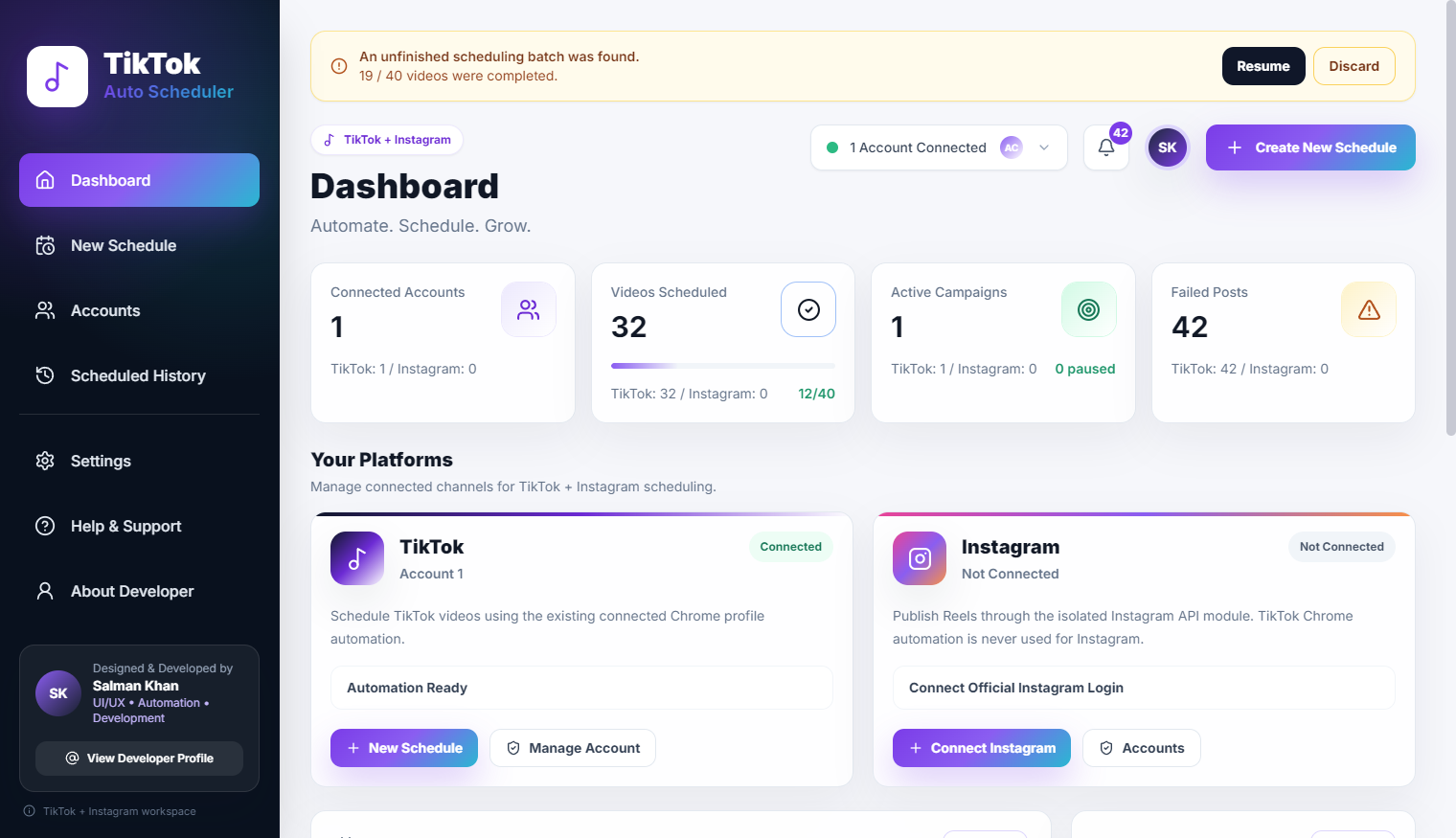
No workflow is complete without a verification loop. After a batch of content is supposed to go live, the system (or the operator) must confirm it actually happened. Did the API timeout? Did the platform reject the video format? Catching these issues early prevents gaps in your publishing schedule.
Example Workflow
Imagine a podcast workflow: The long-form video is recorded and edited. It is then passed to an editor who creates five 60-second vertical clips. These clips are uploaded to a central drive. The automation software detects the new files, reads the associated metadata from a CSV file, and schedules them across TikTok, Shorts, and Reels spaced 12 hours apart. The operator simply reviews the success logs the next morning.
Final Thoughts
Building a multi-platform workflow is about creating a factory for your content. It removes the stress of daily posting and replaces it with a predictable, scalable machine. By separating creation from distribution and automating the mechanical steps, you can maintain a massive digital presence without letting it consume your entire day.