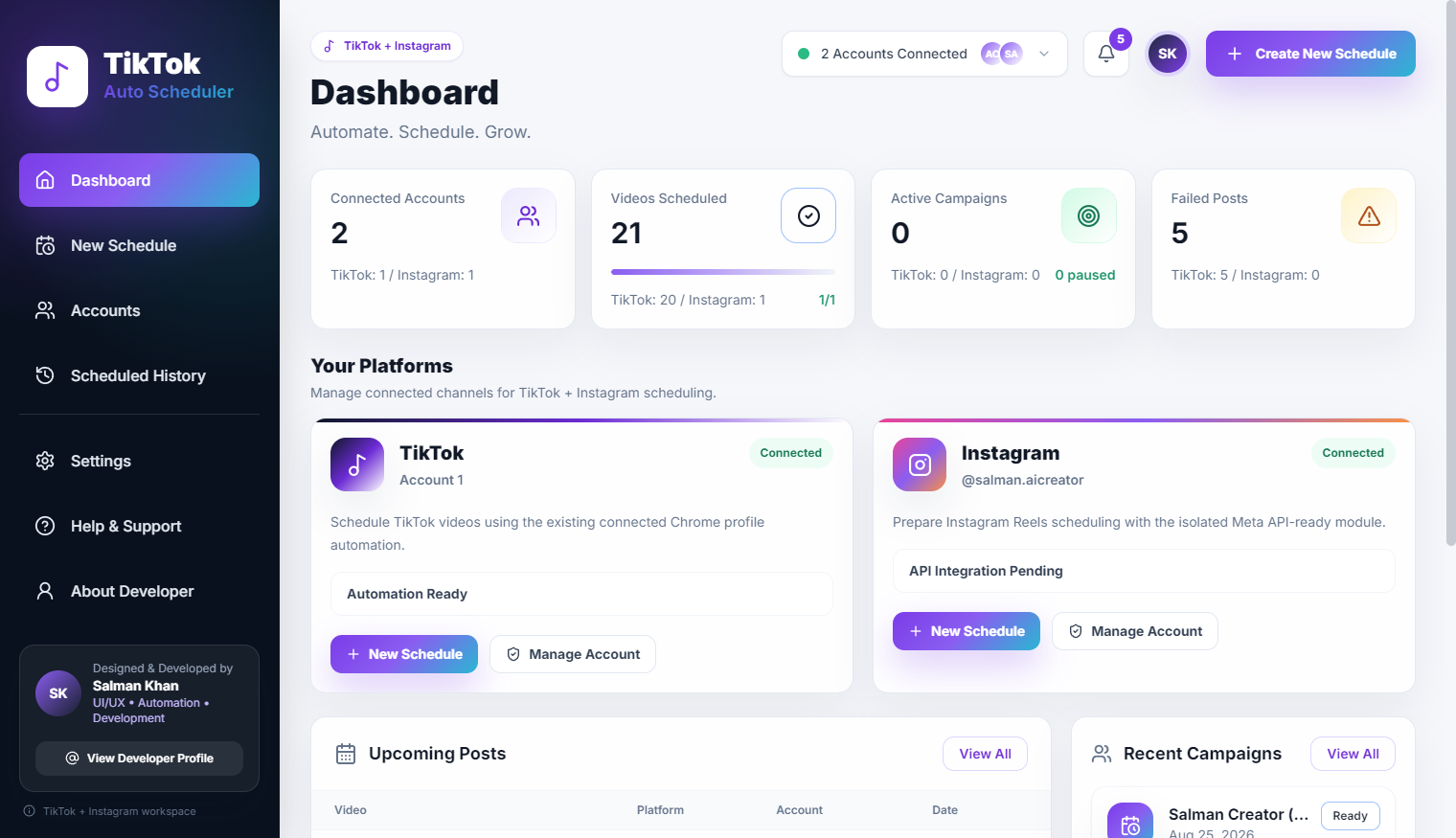
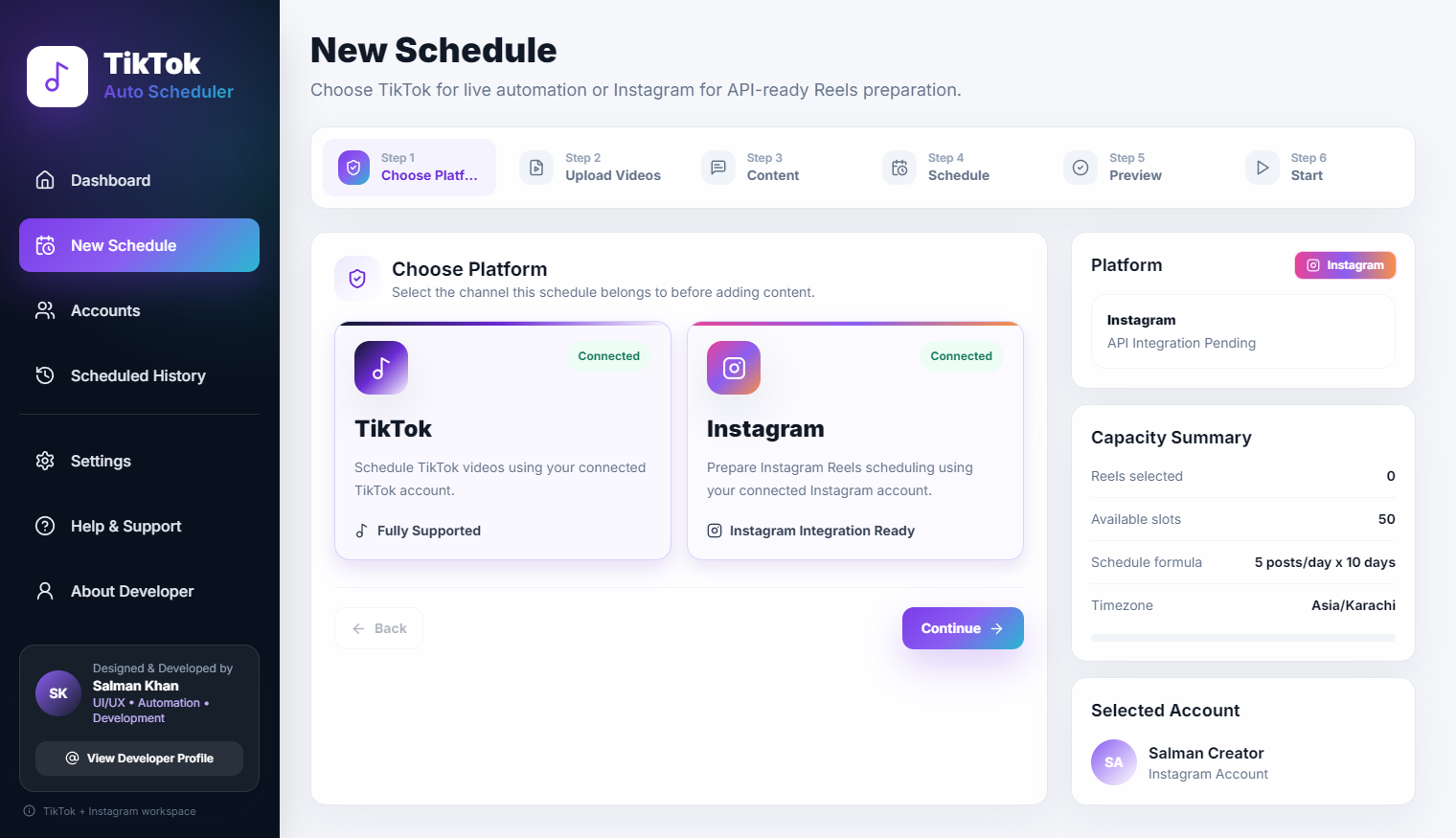
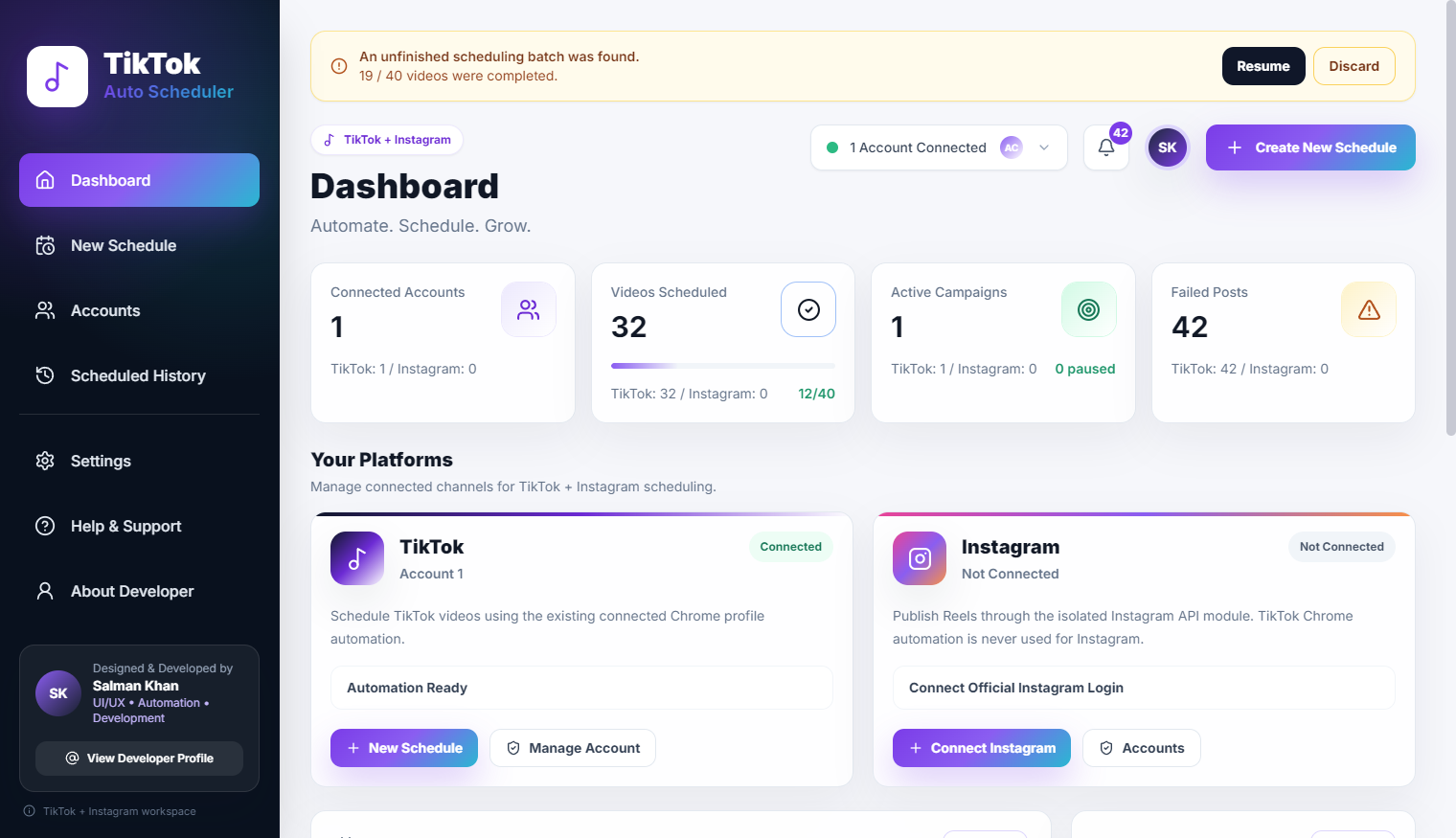
From Manual Tasks to Automated Workflows
A step-by-step look at turning repeated digital tasks into structured and trackable software processes.
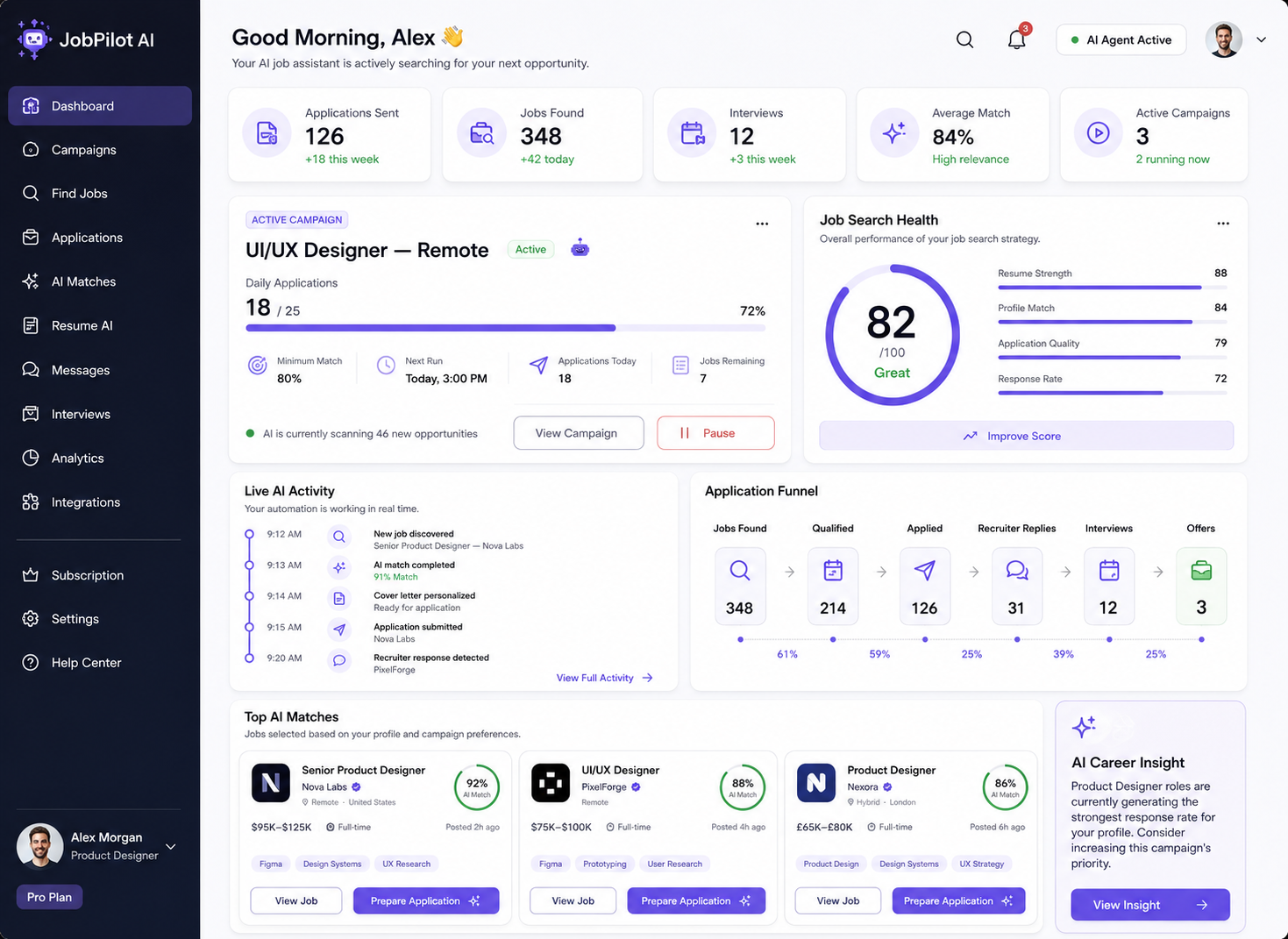
Spot the Repetition
The first step in building any automated workflow is identifying the correct target. Not everything should be automated. The ideal candidate is a task that is high-frequency, low-variance, and prone to human error due to sheer boredom.
Look at your daily digital routine. Are you downloading files from one platform just to upload them to another? Are you copy-pasting data between a spreadsheet and a web form? Are you resizing images to meet the specific pixel requirements of different social networks? These are massive flashing indicators that a process is ripe for automation.
Break the Task Into Steps
Once you have identified the target, you must completely deconstruct it. Automation software does not understand 'post this video'. It understands a rigid, sequential set of instructions.
You have to document every single micro-action: Open the browser. Navigate to the URL. Click the login button. Enter credentials. Wait for the dashboard to load. Click 'New Post'. Select the file from the directory. Wait for the upload to complete. This mapping phase is crucial; if you miss a step, the automation will fail silently.
THE AUTOMATION LIFECYCLE
MANUAL TASK → REPEATABLE STEPS → AUTOMATION LOGIC → USER CONTROL → TRACKED RESULT
Decide What Should Stay Manual
A common trap is attempting to automate 100% of a process. Often, automating the first 80% takes a few hours, but automating the final 20% (handling edge cases, captchas, or creative decisions) takes weeks and results in a fragile system.
The best workflows embrace a hybrid approach. Let the software handle the heavy lifting—file conversions, data scraping, bulk uploading—but leave strategic checkpoints for human review. For example, have the system draft 50 posts and place them in a 'Pending Review' queue, requiring a human to click 'Approve All' before they go live.
Turn Steps Into a Workflow
With the steps defined, you begin building the logic. This usually involves combining APIs (if the platforms offer them) with browser automation (like Playwright or Puppeteer) for the platforms that don't. The workflow must be designed to be resilient. It needs to handle network latency, unexpected pop-ups, and varying load times.
At this stage, you are building the 'engine' of the software. It should be capable of taking a structured input (like a JSON file or a CSV row) and executing the entire sequence of actions autonomously.
Add Status and Logging
An automation script without logging is a ticking time bomb. When it eventually breaks, you will have no idea why or where it stopped. You must build comprehensive status tracking into the workflow.
Every major step should emit a log event. If a task fails, the system must record exactly what it was trying to do, the data it was using, and the error it received. This data should be bubbled up to a user-friendly dashboard so the operator can quickly diagnose the issue.
Handle Failures
Robust automation expects failure. If a web element takes too long to load, the script shouldn't just crash; it should wait and try again. If an upload fails due to a network blip, the system should automatically requeue the task for 5 minutes later.
Building proper error handling and retry logic is what separates a fragile hobby script from production-grade desktop software. The user should barely ever see these micro-failures; the system should heal itself whenever possible.
Improve Over Time
Automation is never truly 'finished'. Platforms change their interfaces, APIs deprecate endpoints, and business requirements evolve. The workflow must be treated as a living product.
By regularly reviewing the error logs and observing how much time the system is actually saving, you can identify the next bottlenecks. Perhaps a step that was left manual is now taking up too much time and needs to be automated. Continuous iteration is the key to maintaining a high-leverage digital operation.
Final Thoughts
Transitioning from manual labor to automated workflows requires a fundamental shift in how you view work. You stop being the person turning the gears and become the person designing the machine. It is a challenging transition, but the resulting scalability and freedom are entirely worth the effort.