Building Better AI Video Workflows
How to organize prompts, generation jobs, status tracking and outputs into a practical AI video workflow.
AI Video Generation Is More Than One Prompt
The magic of AI video tools is undeniable. Typing a few words and receiving a photorealistic video clip feels revolutionary. However, if you are attempting to build a consistent content pipeline—say, producing a daily 10-minute faceless YouTube channel—the single-prompt web interface quickly becomes a nightmare.
Professional video production requires hundreds of clips, variations, and iterations. Managing this volume through a basic chat interface leads to lost files, disorganized prompts, and massive inefficiencies. You need a structured workflow, not just a prompt box.
Organizing Prompts
A prompt is the source code of your video. If you lose the exact phrasing, seed, and parameters that generated a successful clip, you cannot replicate that style. A professional workflow demands a centralized prompt repository.
This database should link the exact text prompt, the negative prompt, the camera motion parameters, and the specific model version used. When you find a stylistic combination that works, you should be able to save it as a template, allowing you to generate dozens of similar clips simply by changing the subject noun.
Managing Multiple Jobs
AI video generation takes time. While one clip is rendering, you shouldn't be sitting idle, waiting for a progress bar. A robust workflow requires a job management system that allows you to queue up dozens or hundreds of generation requests simultaneously.
Software like Agnes AI Video Studio or Dola AI Video Studio excels at this. You can construct a massive batch of prompts in a spreadsheet, import them into the software, and let the desktop client orchestrate the API calls or browser automation in the background, managing the concurrent load automatically.
Generation Status
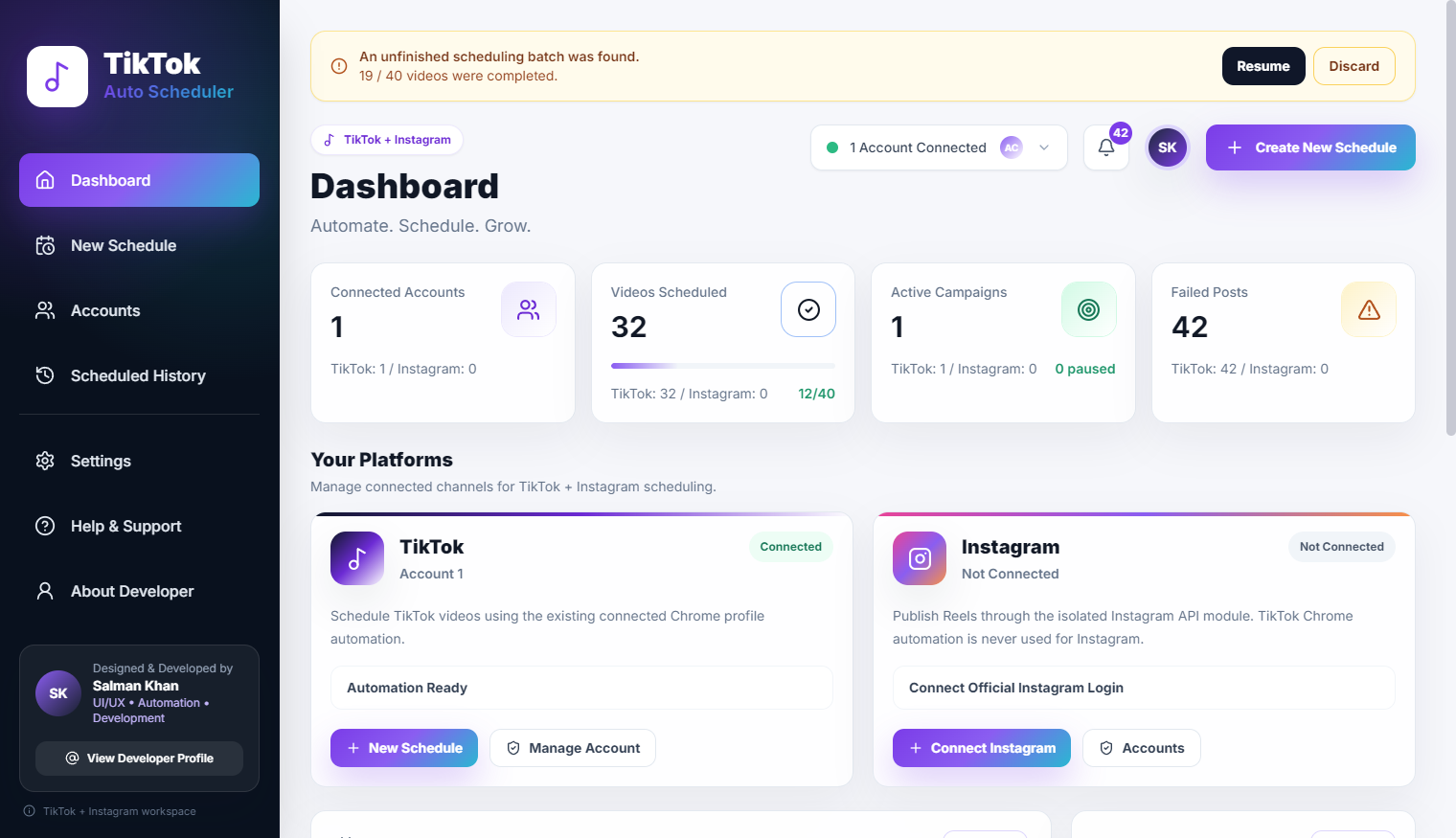
When you have 50 video jobs queued across different accounts or API keys, tracking their status is critical. A proper dashboard should immediately show you the state of the pipeline: how many are queued, how many are currently rendering, how many have failed, and how many are complete.
This visibility prevents you from wasting time checking individual accounts to see if a render has finished. The system should centralize all status updates into one unified view.
Result Downloading
Manually clicking 'download' on 100 individual video clips is a massive waste of human potential. The workflow must include automated retrieval. As soon as a job is marked complete on the server, the desktop client should immediately download the .mp4 file to a designated local directory.
This creates a seamless experience: you queue the jobs before you go to sleep, and when you wake up, the completed, high-resolution video files are already sitting on your hard drive, ready for the editing timeline.
Naming and Organizing Outputs
A folder containing 100 files named output_video_final_1.mp4 is useless. Organization must be built into the automated download step. The software should rename the downloaded files based on their metadata.
For example, files should be automatically named using the project name, the scene number, and a truncated version of the prompt (e.g., ProjectX_Scene04_CyberpunkCity_v2.mp4). This guarantees that when you import the assets into Premiere or DaVinci Resolve, you immediately know what each clip represents.
Batch Workflows
The ultimate goal is true batch processing. Imagine feeding a completed script into a language model, having it break the script into 50 visual scene descriptions, automatically formatting those descriptions into optimized video prompts, and pushing them directly into the generation queue.
This level of automation turns a multi-day production process into a few hours of management and review. It shifts the human role entirely from 'creator of pixels' to 'curator and director'.
Human Review Still Matters
Despite all this automation, AI video is still highly unpredictable. Limbs distort, faces morph, and physics occasionally break. The workflow must include a rapid review phase where an operator can quickly scrub through the downloaded renders, discard the failures, and hit a single button to requeue a specific scene with slightly tweaked parameters.
Final Thoughts
Generative AI is a powerful engine, but an engine is useless without a chassis and a steering wheel. By building structured, desktop-based workflows around these AI tools, we can harness their raw generative power and channel it into reliable, scalable production pipelines.